Native Metal shaders
Real fragment shaders drawn every frame on your GPU. Fluid motion from files of a few kilobytes.
Metal shaders and web scenes running on your Mac GPU, on the desktop and on the lock screen. When a window covers everything, PrimoEngine pauses itself and your battery says thanks.
Scenes rendered on your GPU in real time and watercolor videos, in an app built natively for macOS so it stays light, sharp and quiet.
Real fragment shaders drawn every frame on your GPU. Fluid motion from files of a few kilobytes.
Full-screen app, covered desktop or display asleep: PrimoEngine stops drawing and drops to 0% CPU. On battery, you choose how it behaves.
The shaders show up in System Settings › Wallpaper and stay alive on the macOS lock screen.
One wallpaper per screen, automatic rotation, and a time-of-day schedule that swaps scenes as your day goes.
HTML, Canvas and WebGL wallpapers, sandboxed and offline. Vinyl shows the cover and title of what is playing in Music or Spotify.
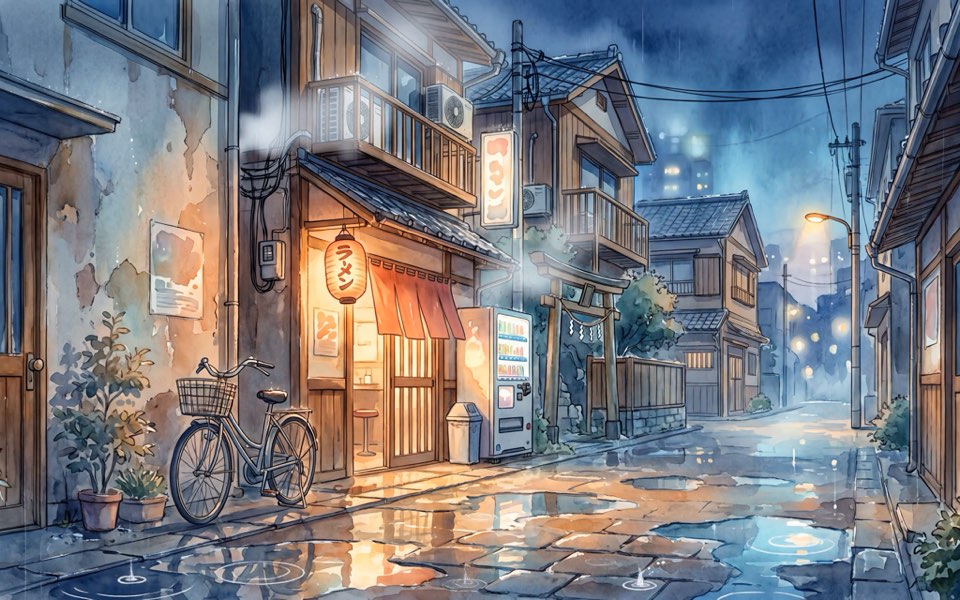
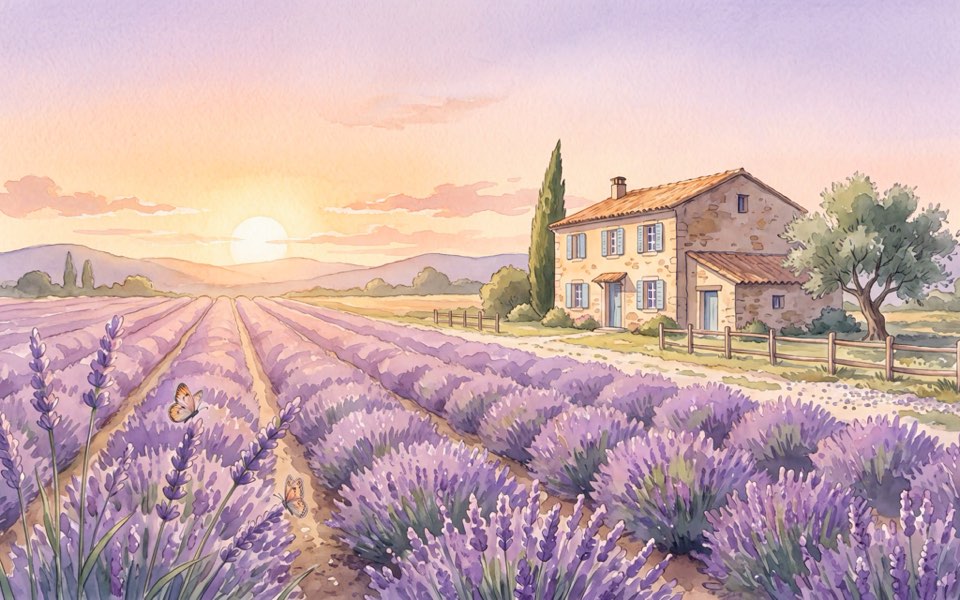
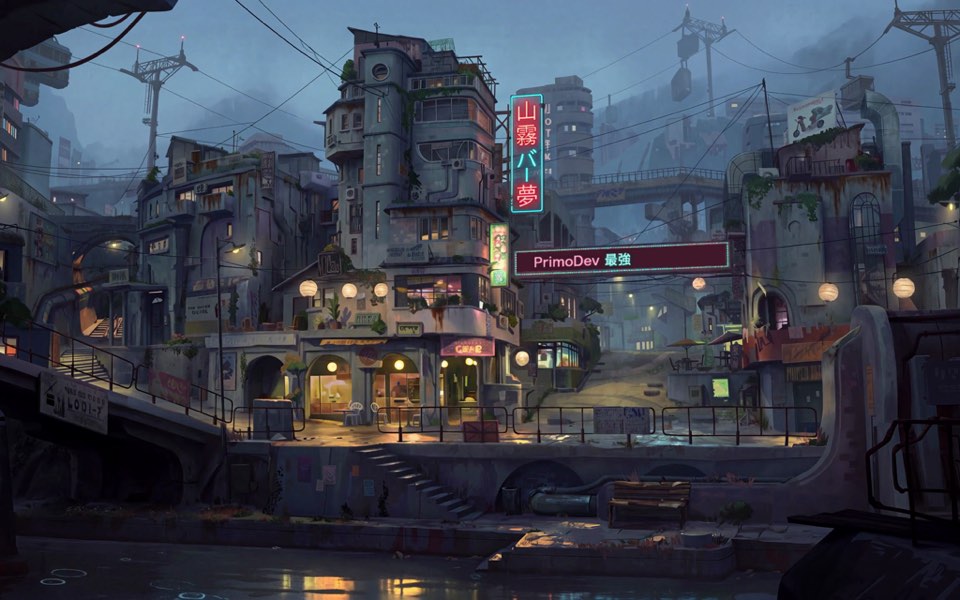
Watercolor scenes in the catalog, like Tokyo Rain and Winter Cabin, or your own .mp4 or .mov (Premium). A .livewallpaper a friend sent you opens through the + button.
32 wallpapers and counting, now with hand-painted video scenes: 14 ship inside the app, and new ones arrive through the catalog with no app update. Four are free forever; Premium unlocks the rest.
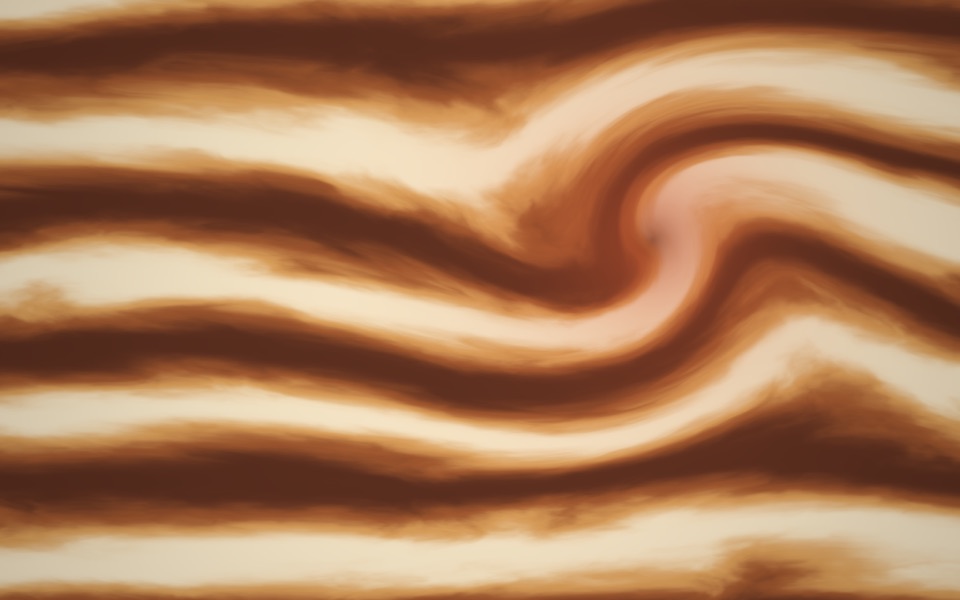
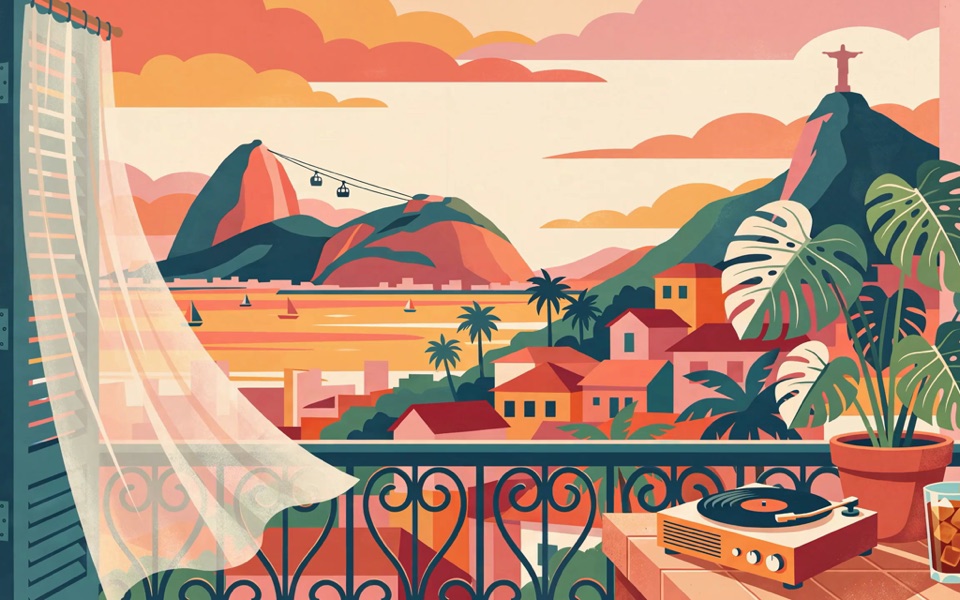
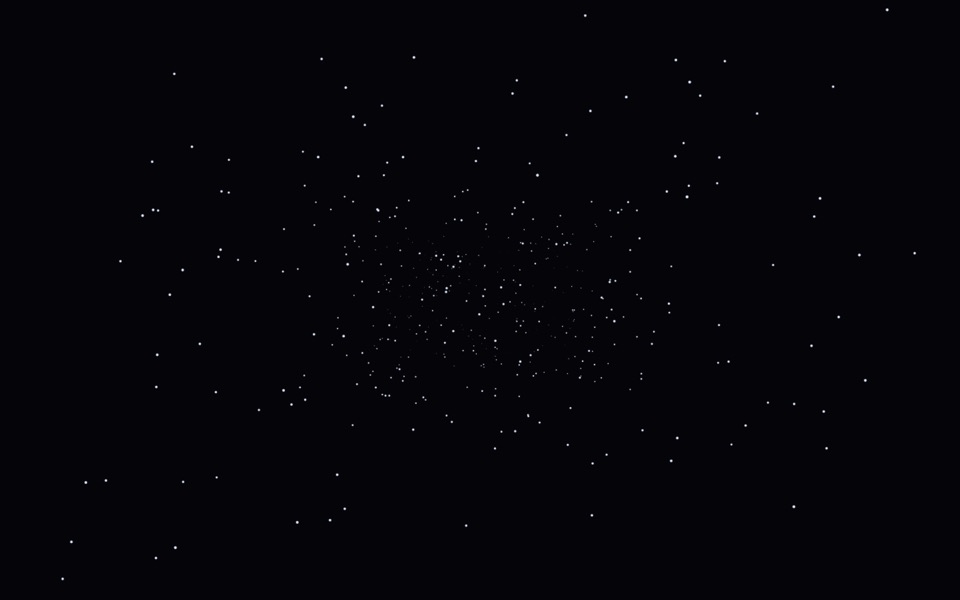
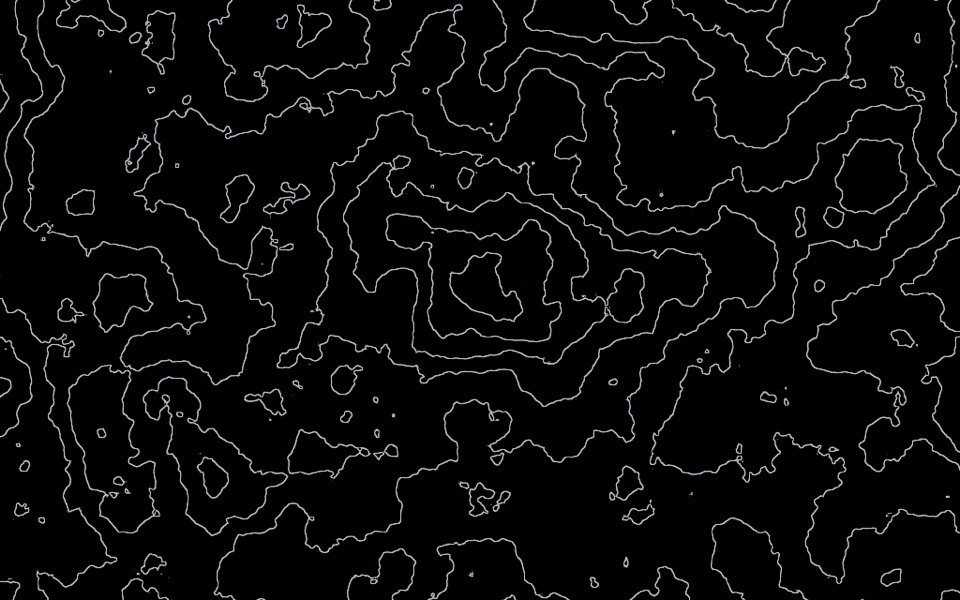
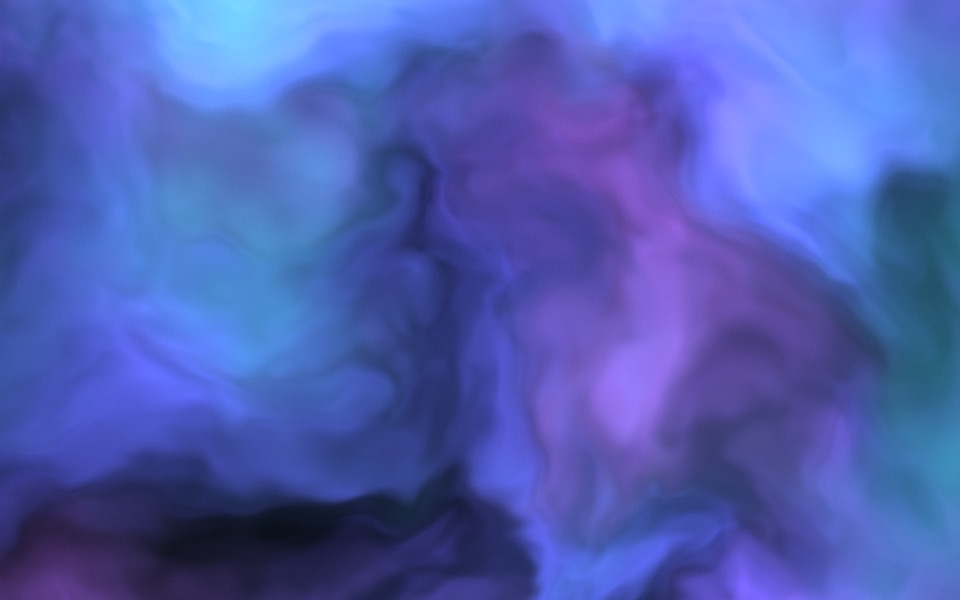
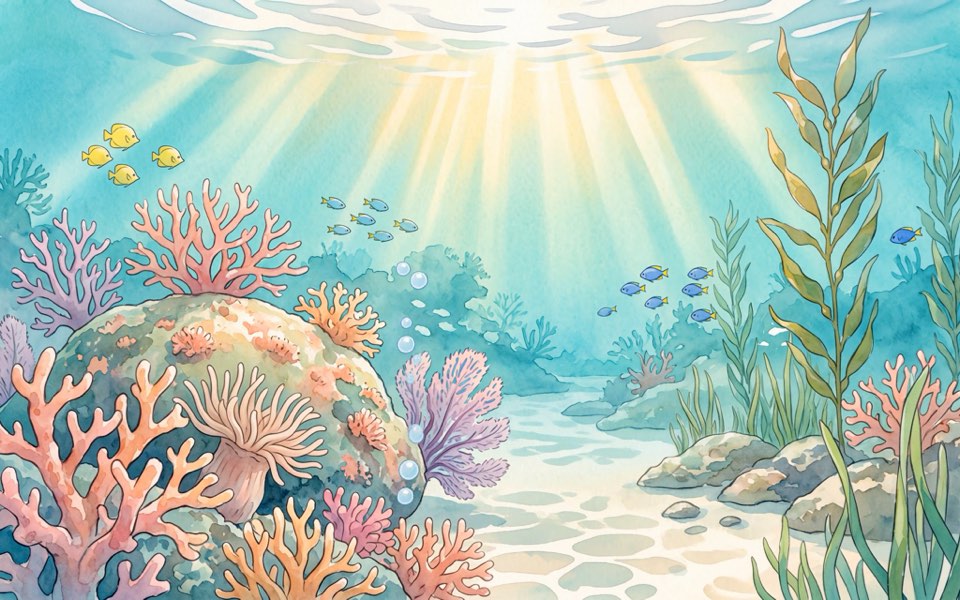
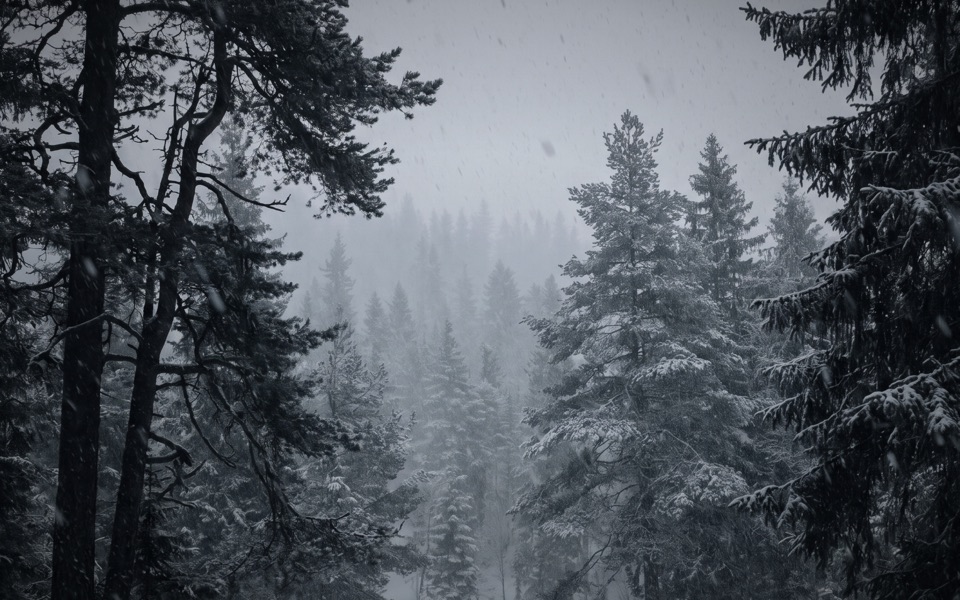
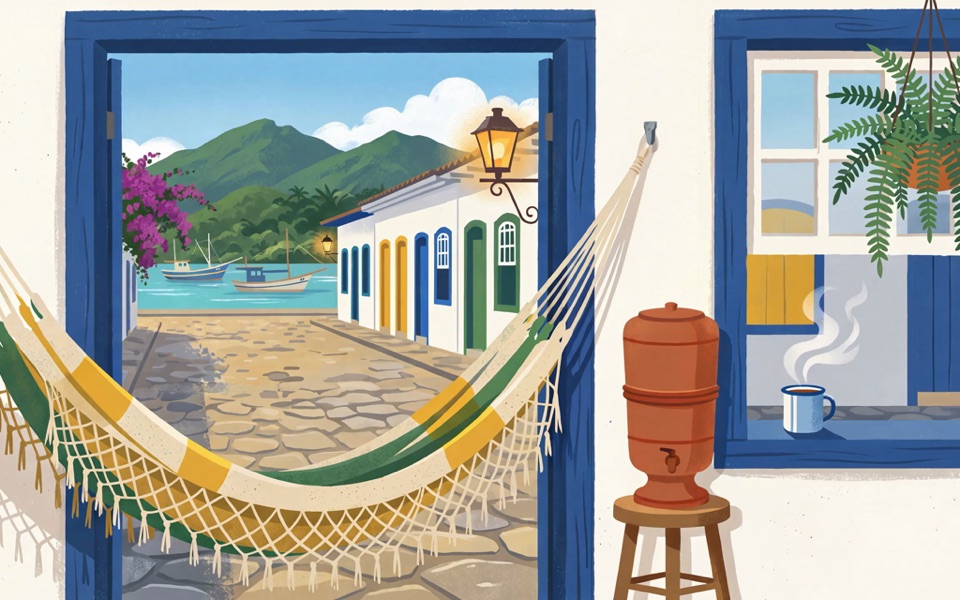
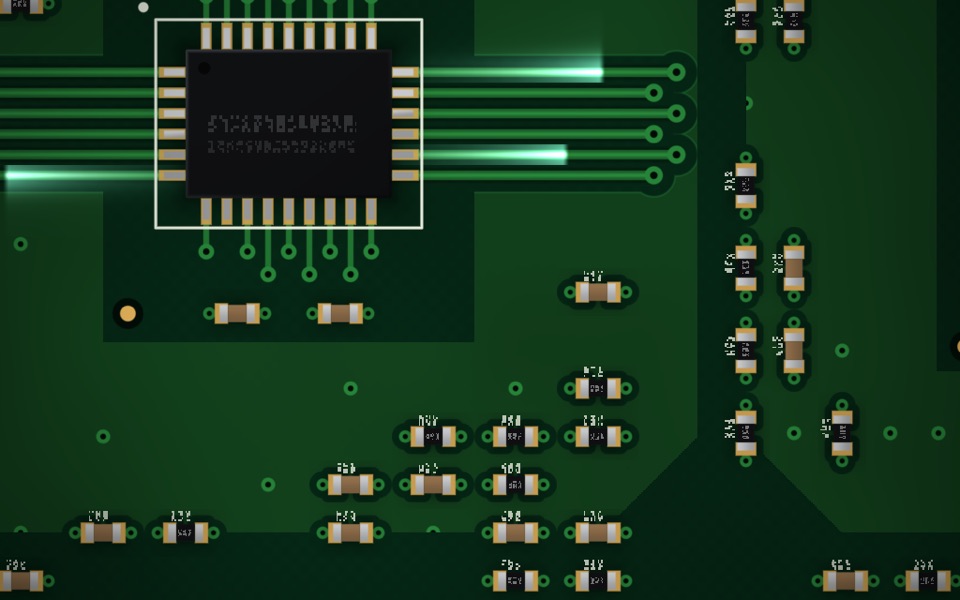
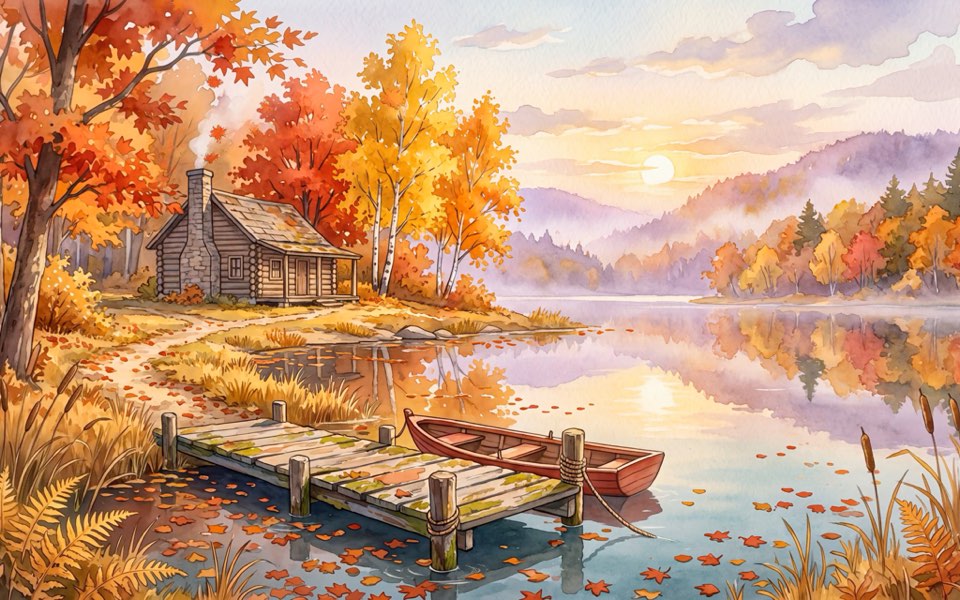
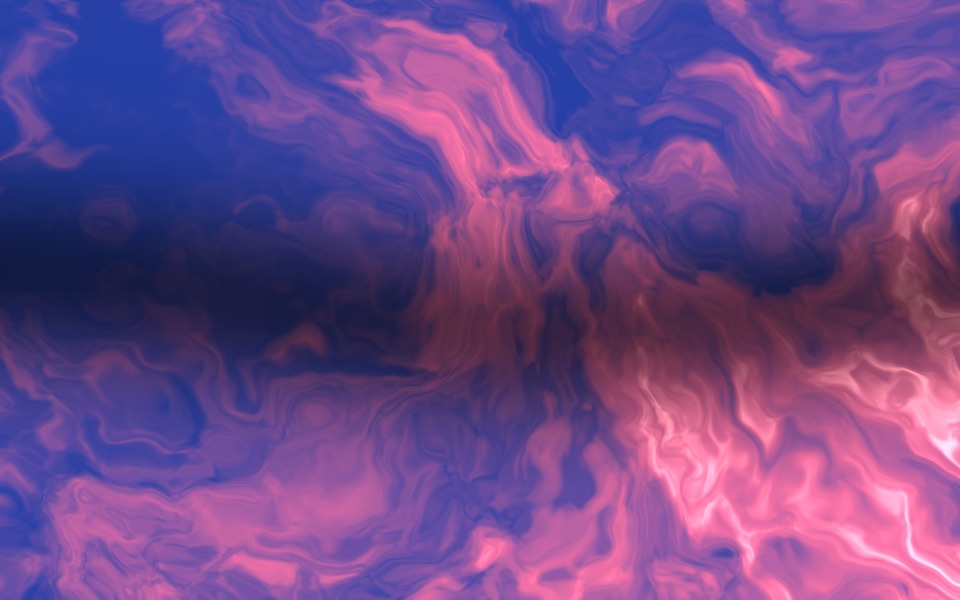
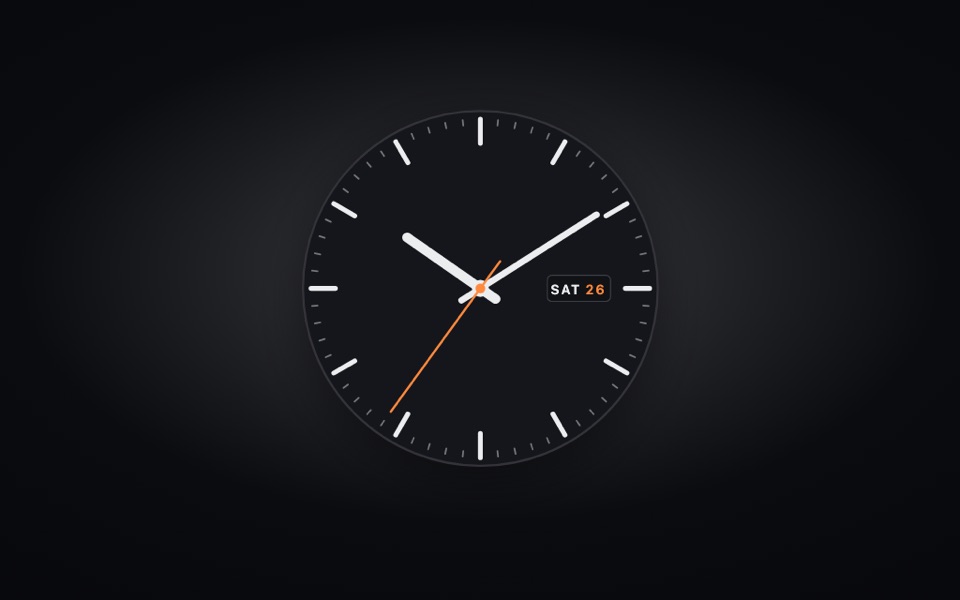

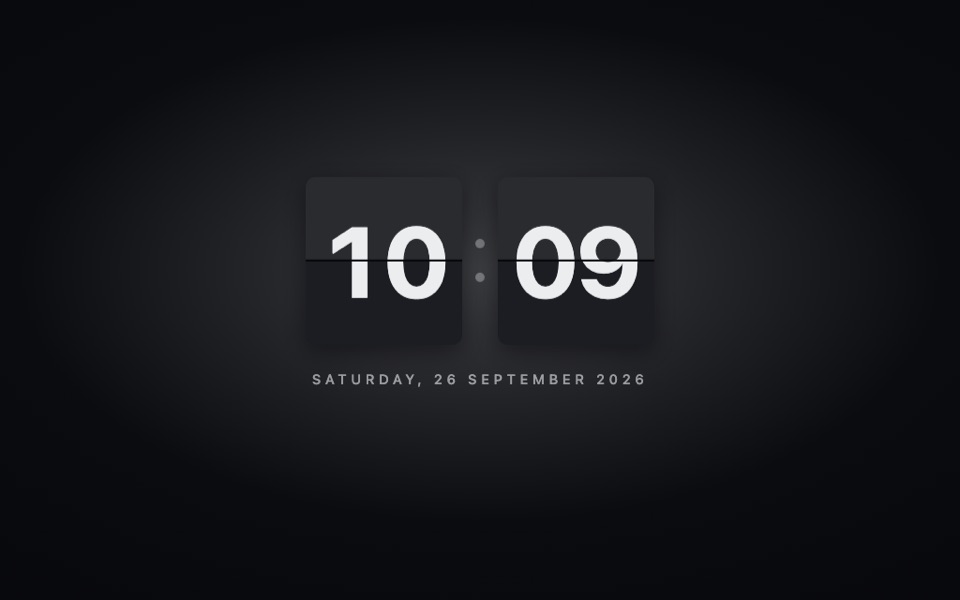
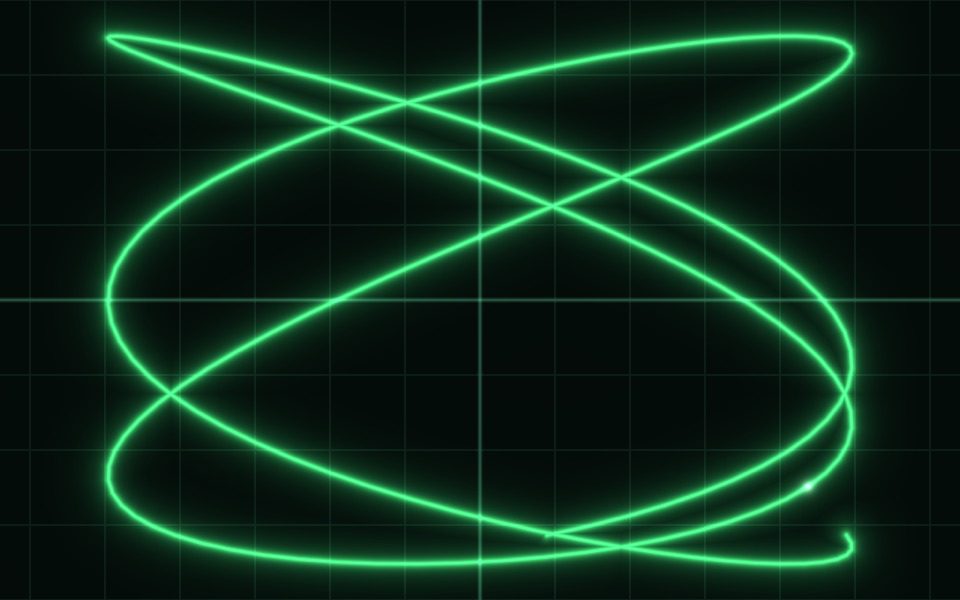
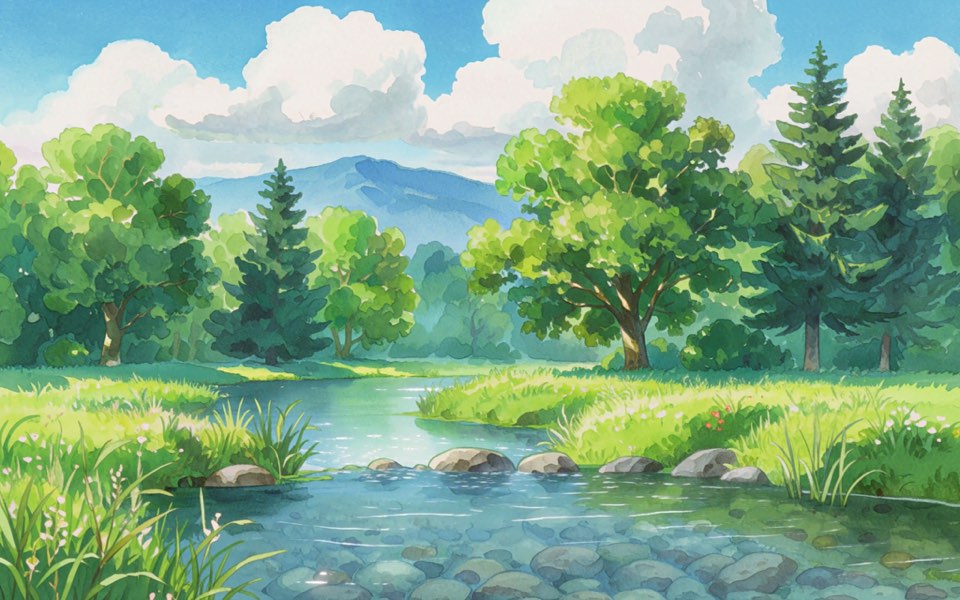
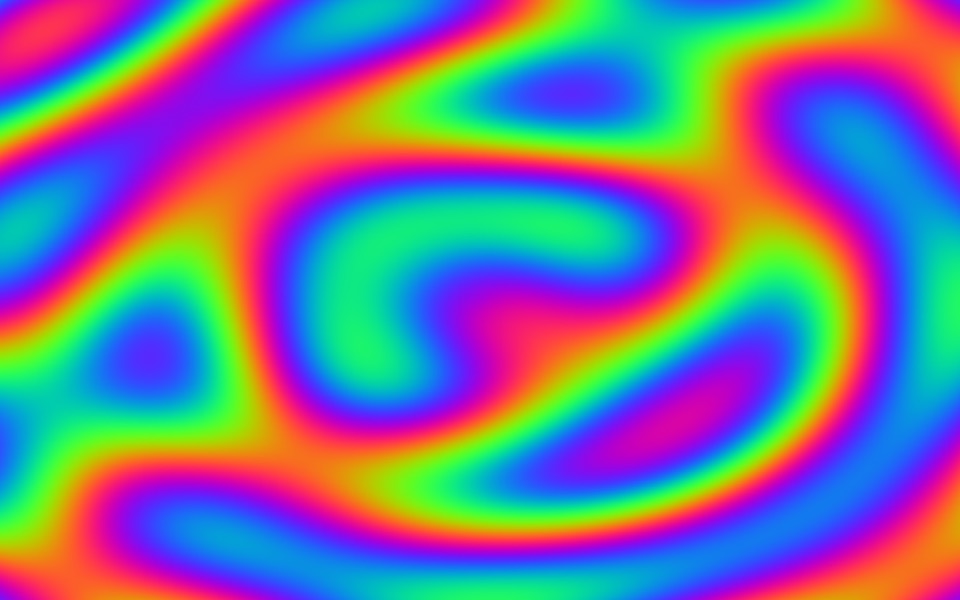
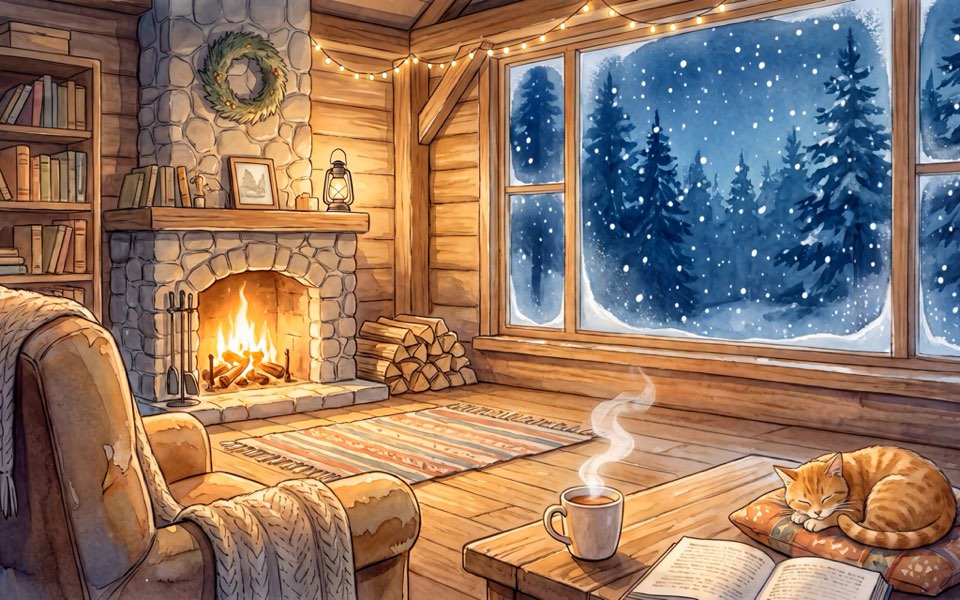
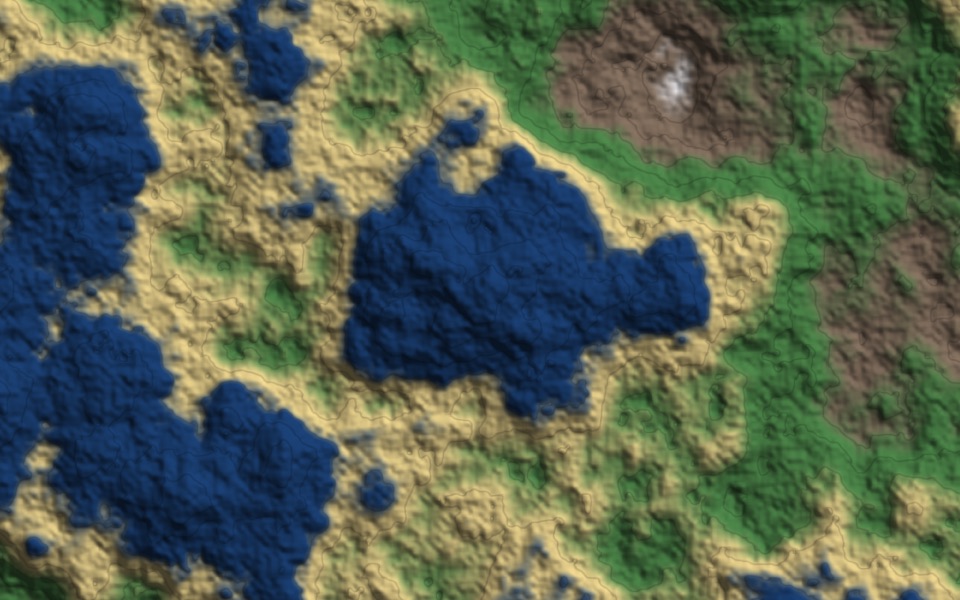
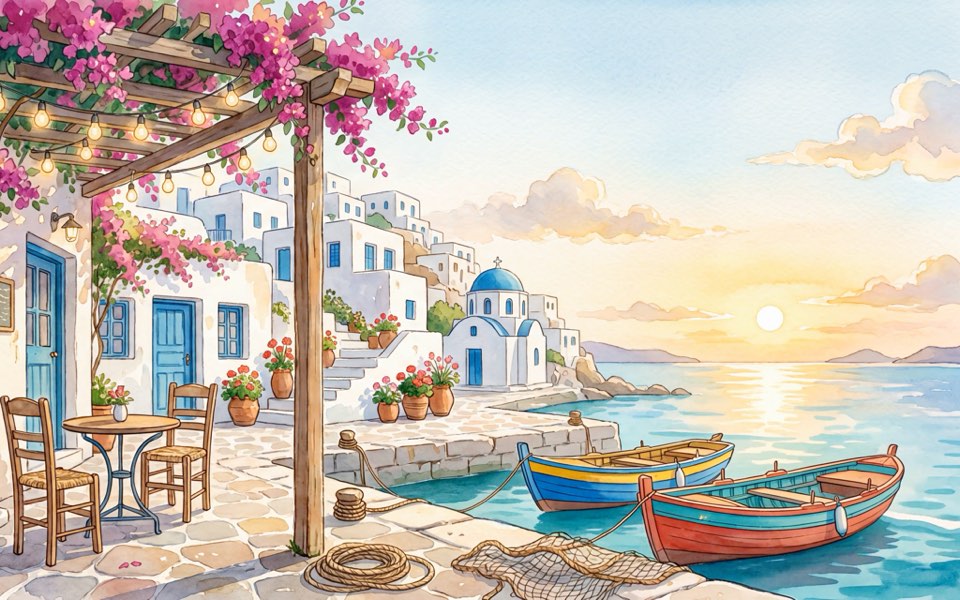
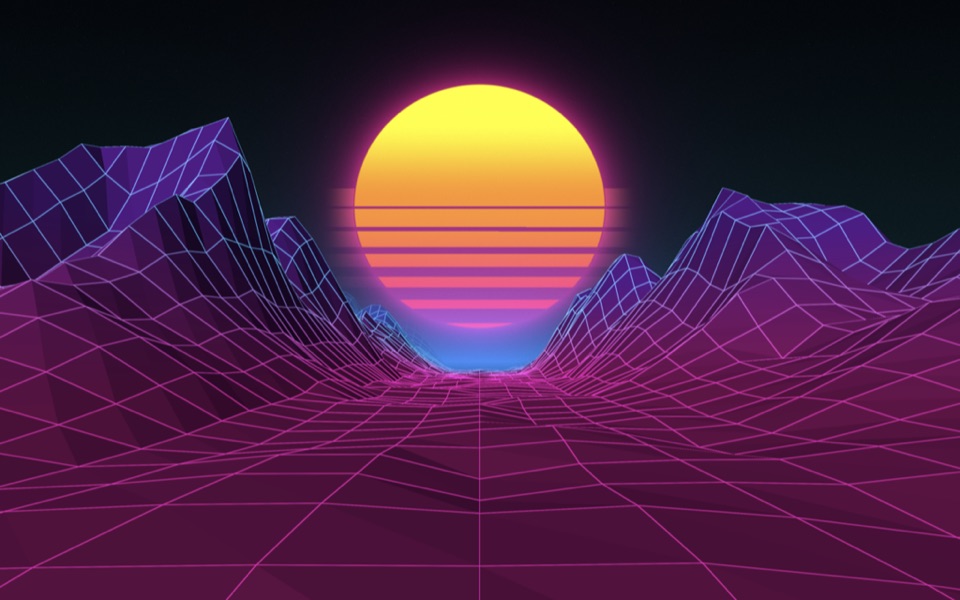
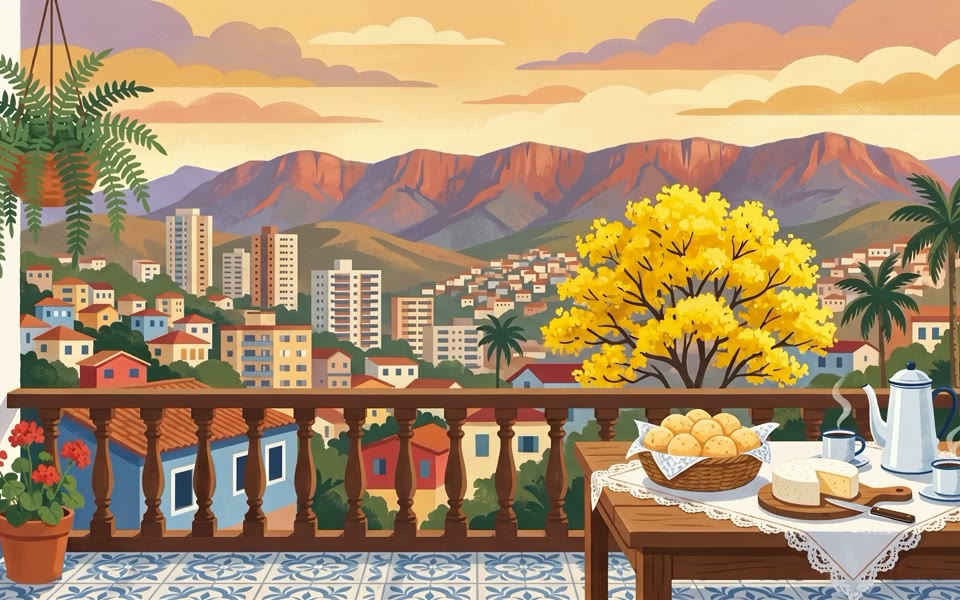
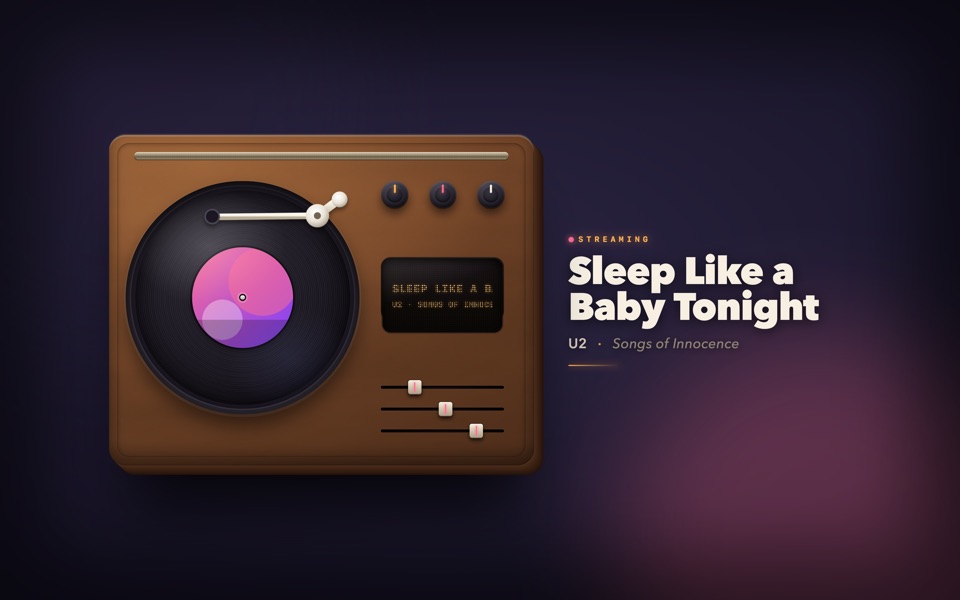
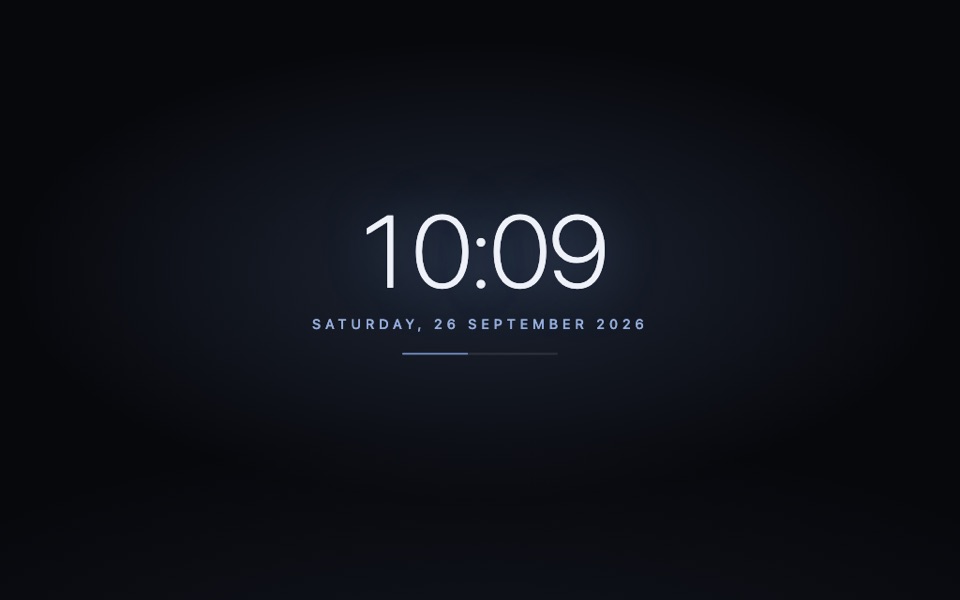
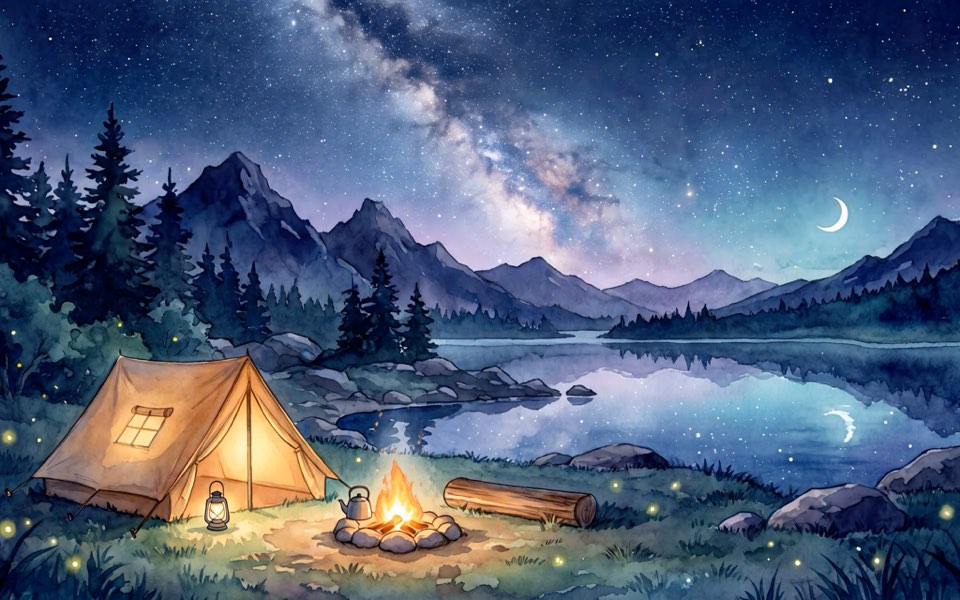
The background of this section is a shader running on your GPU right now, just like the ones that land on your desktop.
The app lives in the menu bar, with no Dock icon. The intro shows the wallpapers running for real.
Tap a wallpaper to see it full screen, apply it to every display or just one, and set speed and color under Customize.
PrimoEngine updates itself and pauses whenever you are not looking. Your Mac stays fast.
A wallpaper is a folder with a manifest.json and a Metal shader or a web page. The docs have complete examples, a packer, and ready-made prompts for ChatGPT and Claude.
// manifest.json
{
  "schemaVersion": 1,
  "id": "com.you.aurora",
  "version": "1.0.0",
  "title": "Aurora",
  "type": "metal",
  "entry": "content/shader.metal",
  "config": [
    { "key": "speed", "type": "float",
      "min": 0.1, "max": 3, "default": 1 },
    { "key": "tint", "type": "color",
      "default": "#7FD1FF" }
  ]
}macOS 26 (Tahoe) or newer, on a Mac with Apple Silicon (M1 or later).
No. When a window covers the desktop, PrimoEngine stops drawing (0% CPU, measured). Metal shaders are the lightest kind of wallpaper, and you choose what happens on battery.
A single US$ 4.99 payment (the Early Bird launch price, going up soon) by card, processed by Stripe. No subscription. Have a Brazilian card? Cards issued in Brazil can only be charged in reais, so pay in reais (Pix or card, via InfinitePay) from our Portuguese page, or buy inside the app.
After paying you see your license code, which also arrives by email. In the app, open Premium, choose “I already have a license code” and paste it.
The license works on one Mac at a time. To switch, deactivate on the old Mac and activate the new one with the same code.
Email apps@oprimo.dev. For anything about your license, include your license code.
Every file goes through the same checks on import. Shaders can only draw pixels, and web wallpapers run sandboxed, with no internet access and no access to your files.